
by Eli Fulton | May 6, 2025 | Computer Network Support |
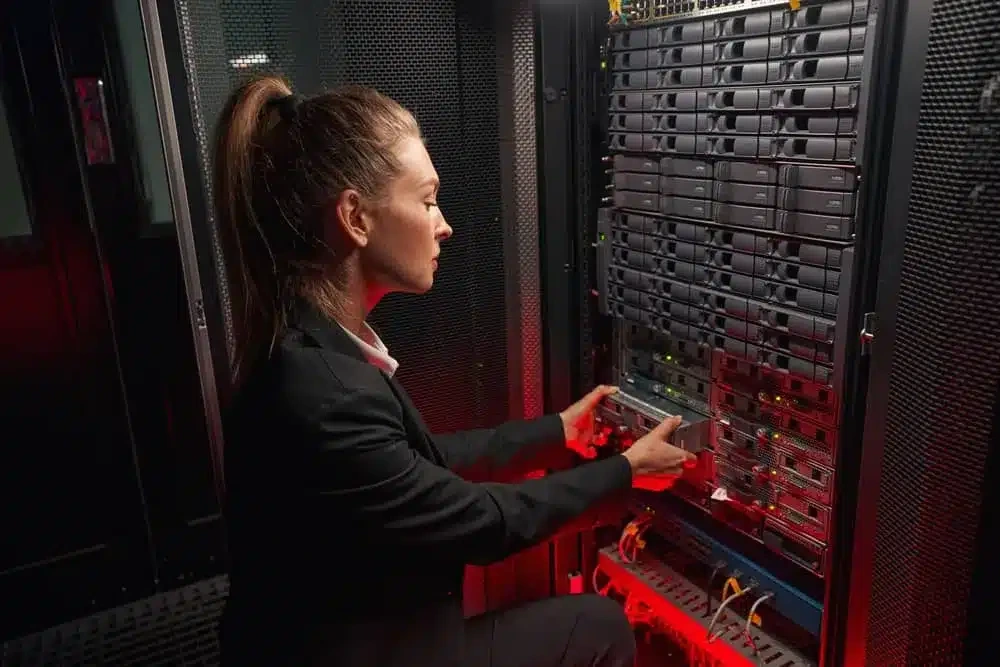
Most offices depend on a network without thinking much about it. It connects computers, phones, printers, cloud programs, shared files, payment tools, and other equipment.
Problems become obvious when that connection slows down or stops working. Network support helps Waco businesses troubleshoot those issues, maintain equipment, and keep systems working reliably.
Table of Contents
- Understanding Computer Networks
- What Is Network Support and Why Is It Essential?
- The Network Support Specialist: Your Technology Guardian
- Proactive vs. Reactive Support Approaches
- The Human Element in Effective Network Support
- Network Security: Protecting Your Business Assets
- Network Maintenance: Keeping Systems Running Smoothly
- How Our Managed IT and Network Support Helps Waco Businesses
- Invest in Professional Network Support: A Strategic Business Decision
What Is Network Support?
 Computer network support forms the essential foundation that connects all your business network into a cohesive, functional computer system. These networks link your desktop computers, servers, printers, security systems, and personal devices into an integrated environment that enables data flow throughout your network.
Network support covers the work involved in setting up, maintaining, securing, and fixing a business network.
That can mean something simple, such as finding the cause of weak office Wi-Fi. It can also involve managing a larger network with servers, firewalls, switches, cloud services, and multiple locations.
Network assistance could consist of:
- Configuring wireless access points, switches, firewalls, and routers
- Resolving unreliable or sluggish internet connections
- Controlling server and cloud platform connections
- Managing user permissions and access
- Installing firmware and software updates
- Checking network traffic and performance
- Maintaining backup systems
- Planning replacements for older equipment
Modern networks often connect much more than desktop computers. Phones, cameras, printers, access control systems, and other devices may all use the same infrastructure.
There is no single setup that works for every company. The right design depends on the building, number of employees, devices, applications, and security requirements.
Why Businesses in Waco Need It
A network problem can quickly affect several parts of the workday.
Employees might lose access to shared documents. A payment terminal may stop communicating. Cloud software can become difficult to use. Even a printer or phone problem may trace back to the network.
Common warning signs include:
- Wi-Fi is dropping throughout the day
- Programs are taking too long to load
- Employees are repeatedly losing connections.
- Shared files are becoming unavailable
- Network printers are going offline.
- Internet-based phone calls are cutting out.
- Customer transactions are taking longer than usual.
Network support helps identify what is actually causing the problem. That matters because the most visible symptom is not always the real issue.
For example, slow software could come from the internet connection, a wireless access point, an overloaded device, or the software provider itself.
A network specialist can also review the system before a business adds employees, equipment, software, or another location.
What a Network Support Specialist Does
A network support specialist keeps devices and systems communicating properly.
The work may involve:
- Setting up network hardware
- Resolving connection issues and outages
- Verifying the performance of the network
- Controlling access for employees
- Examining security alerts
- Applying patches and updates
- Testing backups
- Documenting system changes
- Recommending upgrades when equipment becomes outdated
Some technicians also work with Microsoft 365, cloud platforms, remote access systems, business phones, security cameras, and related technology.
Technical certifications can be useful when comparing providers, but they should not be the only consideration.
Ask how much experience the technician has with networks similar to yours. Response times, communication, documentation, and ongoing training matter too.
Reactive and Preventive Support

Some IT support begins only after a problem appears.
An employee reports that the internet is down, a printer will not connect, or a server cannot be reached. A technician then diagnoses the problem and works to restore service.
That is reactive support.
Preventive support takes a different approach. Instead of waiting for every issue to become noticeable, technicians regularly check the network for problems.
Preventive work may include:
- Examining network hardware
- Applying security updates
- Examining the storage options
- Keeping an eye out for strange network activity
- Examining backups
- Assessing the performance of networks
- Updating outdated hardware before it becomes unreliable
Preventive maintenance cannot guarantee that an outage will never happen. Hardware can fail, internet providers can have problems, and unexpected security incidents can occur.
What it can do is make some problems easier to catch before they disrupt the whole office.
Network Security and Maintenance
Network support is also closely connected to cybersecurity.
Business networks can be affected by phishing attacks, ransomware, malware, stolen passwords, and unauthorized users.
The NIST Cybersecurity Framework 2.0 gives organizations a structured way to identify and manage cybersecurity risks.
Depending on the company’s needs, network security may involve:
- Firewalls
- Multifactor authentication
- Secure Wi-Fi settings
- Endpoint security software
- User access controls
- Software updates
- Network monitoring
- Backup testing
- Employee security training
Good security usually depends on several protections working together. A firewall alone cannot protect every employee account, device, application, and cloud service.
Hardware also needs attention as it gets older.
Manufacturers eventually stop supporting some products. Once security updates end, continuing to use that equipment can increase risk. Planned replacement gives businesses time to upgrade without waiting for an emergency.
The Human Element in Effective Network Support
Building Relationships with End Users
Technology support isn’t just about fixing computers—it’s about helping people use devices effectively. The best network support creates relationships between technical specialists and your team members who are monitoring these systems every day. Support professionals listen carefully to end user concerns, respect their knowledge, and explain technical concepts in clear, accessible language.
Why the Human Touch Matters
New solutions only deliver value when people actually use them effectively on a daily basis. Network support that considers the human element ensures your network investments translate into real network improvements rather than expensive distractions. Companies thrive when tech enhances rather than hinders connections with customers and colleagues.
Managed IT Support for Waco Companies
Businesses handle IT in several ways.
Some have an employee who takes care of technology. Others call a technician whenever something breaks. Companies that need more regular help may choose managed IT support.
A provider manages certain technology duties continuously under a managed IT agreement.
Services could consist of:
- Help desk assistance
- Network surveillance
- Updates for systems and software
- Management of security
- Backup monitoring
- Equipment planning
- IT guidance
Pricing depends heavily on what is included.
The number of employees, computers, locations, applications, and support hours can all affect the monthly fee.
Some 2026 industry pricing estimates place managed IT support at around $100 to $250 per user each month. That is a general market range rather than a standard Waco price.
The quote matters more than the average.
Before choosing a provider, find out what the monthly fee actually includes. Ask about onsite visits, after-hours support, response times, backup testing, security incidents, and separate project charges.
Network Maintenance: Keeping Systems Running Smoothly
Essential Maintenance Activities

Preventive maintenance helps identify potential failures before they occur, allowing for planned replacements rather than emergency repairs. This approach minimizes disruptions to your business operations while extending the useful life of expensive equipment.
The Cost of Neglecting Maintenance
Skipping regular network support services maintenance might seem like a way to reduce expenses, but this approach inevitably leads to higher costs in the long run. Emergency repairs typically cost significantly more than preventive maintenance, both in direct expenses and in lost productivity. These unplanned disruptions can damage relationships and employee morale while creating budget impacts.
How Much Do Managed IT Services Cost for Small Businesses in Waco?
There is no standard monthly price for every Waco business.
A small office with a handful of computers will usually have different needs from a company with several sites, servers, remote employees, or stricter security requirements.
Providers commonly look at:
- Number of users
- Number of devices
- Business locations
- Software and cloud services
- Required support hours
- Security needs
- Network complexity
A detailed assessment should come before the final quote so the business knows what it is actually paying for.
What Certifications Should a Reliable Network Support Specialist Have?
No single certification proves that someone is the right network technician for every business.
Certifications should match the equipment and systems being managed.
Cisco’s CCNA, for example, covers networking fundamentals, IP connectivity, network access, security basics, and automation.
Microsoft’s Azure Network Engineer Associate certification focuses on Azure networking, hybrid connectivity, application delivery, private access, and network security.
Additionally, CompTIA certifications can show that a person understands the principles of cybersecurity or networking.
While credentials should be verified, real-world experience is equally important. Find out how technicians stay up to date, whether the provider has assisted similar businesses, and what happens in the event of an urgent issue.
A stable network makes everyday work easier and helps prevent small technical problems from becoming major disruptions. Contact our Waco team to request a network assessment and learn which support options fit your business.